
Download Norton Utilities – System Performance, Registry Repair, Disk Cleanup, Startup Optimization
Overview
Norton Utilities is a mobile application designed to enhance system performance and stability through a suite of targeted tools. The app is intended for users seeking to maintain optimal device functionality by addressing common performance bottlenecks such as registry errors, cluttered storage, and slow boot times. By focusing on core system maintenance tasks, Norton Utilities provides a streamlined experience that prioritizes reliability over feature bloat. It is particularly useful for individuals who rely on their smartphones or tablets for productivity, multitasking, or resource-intensive applications.
The application enables users to resolve underlying system issues that may degrade performance over time. Real-world use cases include preparing a device for new software installations, improving responsiveness after prolonged use, or restoring performance following the accumulation of temporary files and cache. These capabilities make it a valuable tool within the mobile utility ecosystem, especially for users who manage multiple apps and data streams on their devices.
Although the developer did not provide additional technical details, the app's functionality aligns with established system optimization principles. Its release date, May 20, 2013, indicates a long-standing presence in the mobile maintenance space, suggesting consistent user demand and technical refinement over time.
Key Features & Functionality
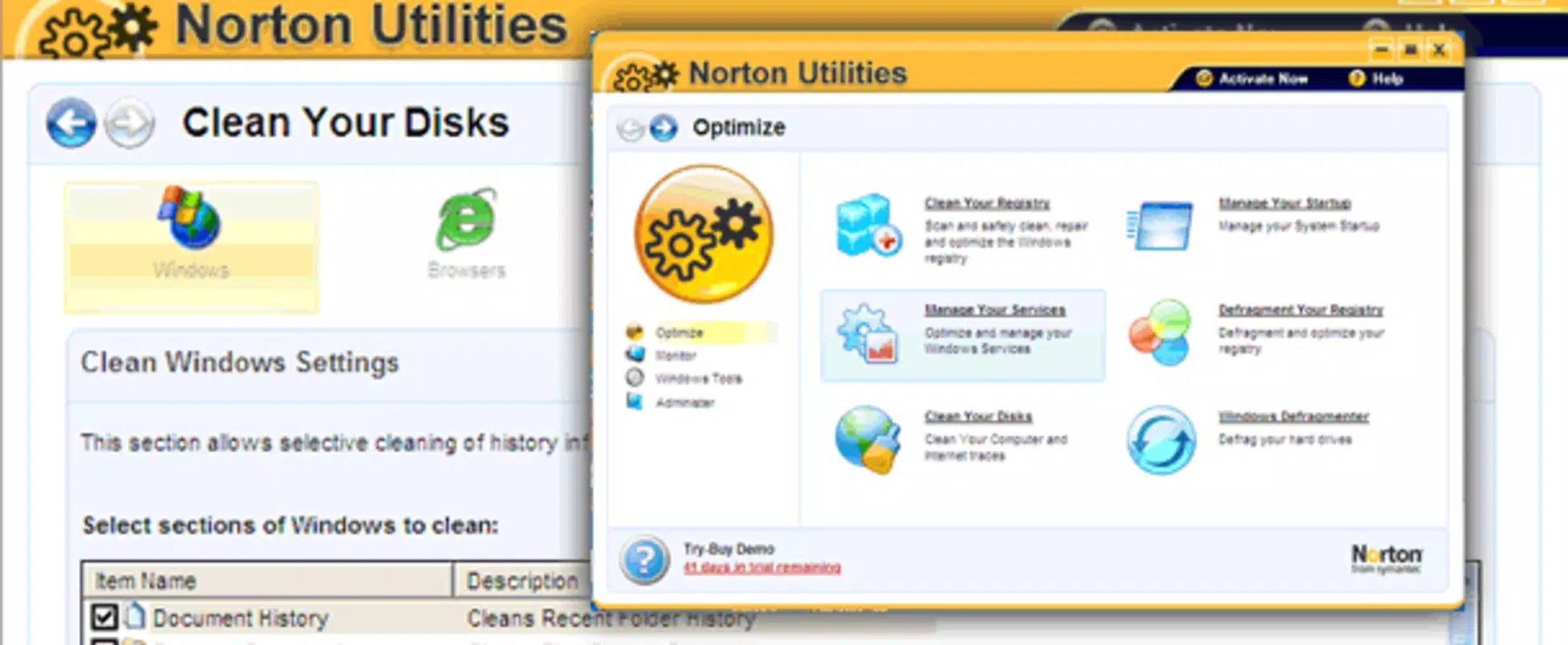
- Registry Repair: Identifies and fixes broken registry links and corrupted entries to improve system stability and prevent crashes. This feature is essential for maintaining a clean and functional operating environment.
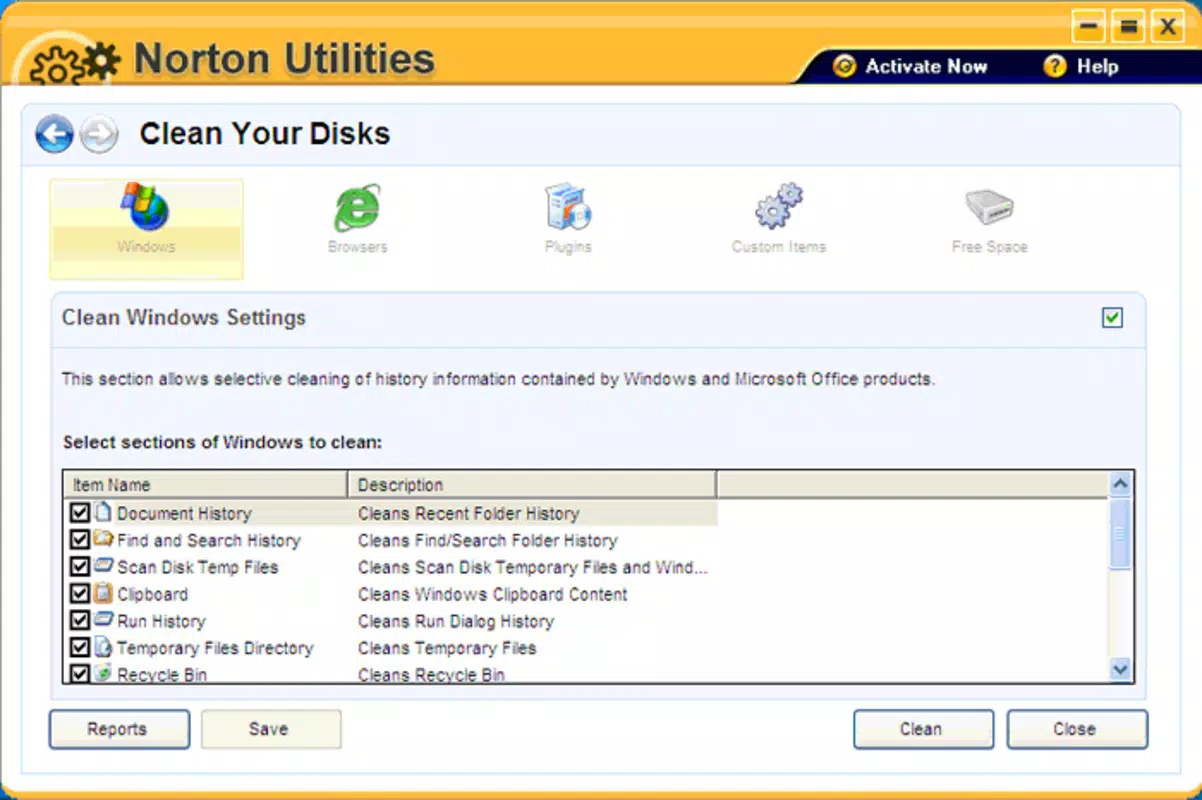
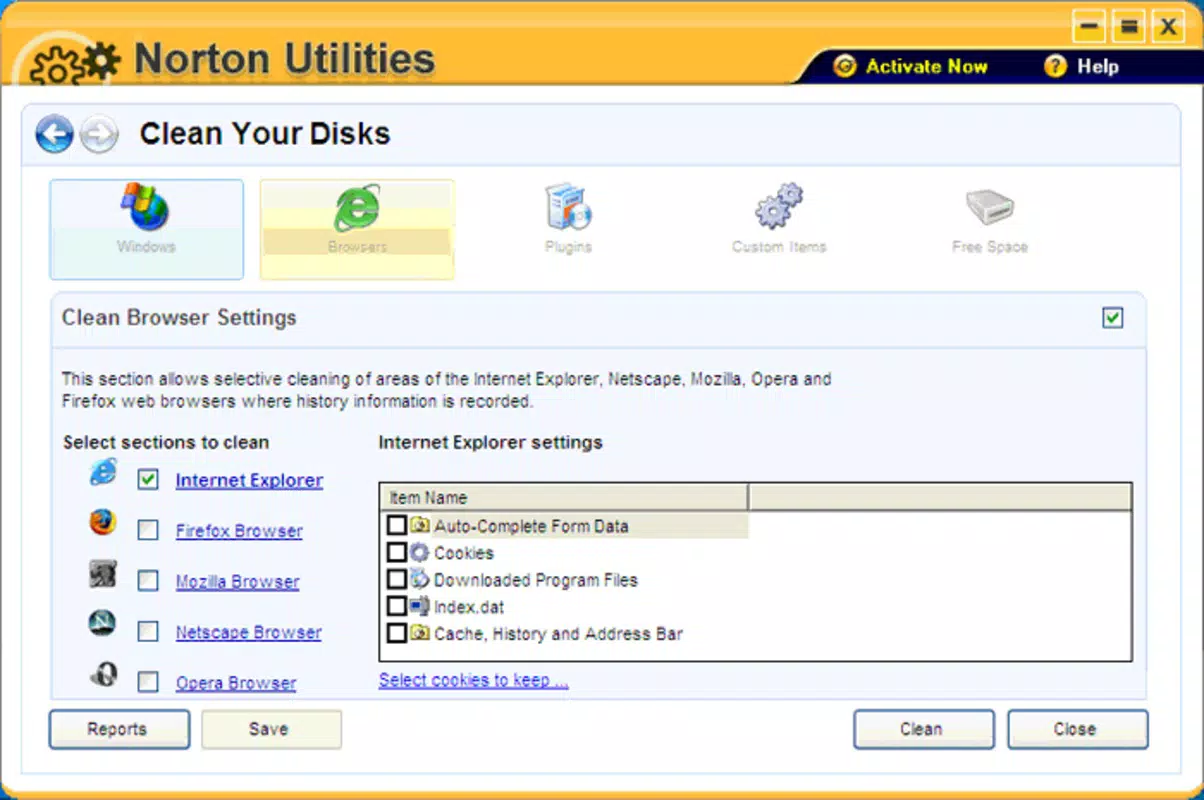
- Disk Cleanup: Removes temporary files, Internet cookies, and unused data to free up valuable storage space. This helps prevent storage-related slowdowns and improves overall system responsiveness.
- Startup Optimization: Allows users to manage which applications launch automatically at boot. By disabling unnecessary startup programs, users can significantly reduce boot time and enhance device readiness.
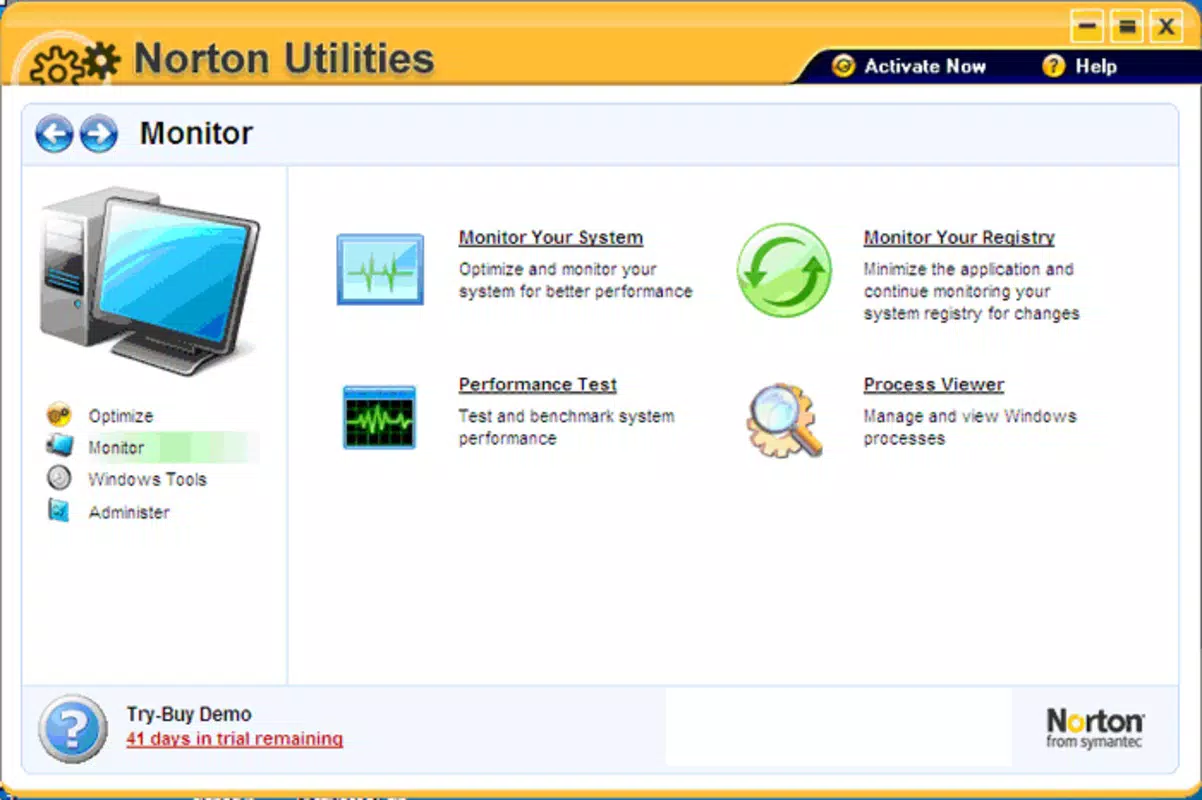
- Memory Recovery: Optimizes system memory allocation, enabling smoother multitasking and better performance when running multiple applications simultaneously.
- Defragmentation Tools: Reorganizes fragmented data on storage drives to improve file access speed and reduce read/write latency. This contributes to faster application launches and improved system longevity.
Each feature is designed to address specific performance challenges. For example, a user experiencing slow boot times can use the Startup Optimization tool to disable non-essential apps. Similarly, someone facing low storage warnings can leverage Disk Cleanup to reclaim space without deleting important files. These real-world applications demonstrate the app’s practical value in daily device management.
Interface, UX & Performance
The user interface of Norton Utilities appears to be structured around simplicity and direct access to core tools. The layout likely emphasizes functional navigation, allowing users to quickly select and execute maintenance tasks. Visual design elements are expected to prioritize clarity, with intuitive icons and minimal distractions to support efficient operation.
Navigation is designed to guide users through each tool with minimal steps, reducing the learning curve for new users. The app’s performance is expected to remain consistent across various device categories, although the developer did not list formal performance metrics. Stability during execution of system-level tasks is crucial, and the app’s long-standing release history suggests it has been tested under diverse conditions.
Although the developer did not list formal performance metrics, the app’s ability to manage system resources without causing disruptions indicates a focus on reliability. Responsiveness is likely optimized for standard mobile hardware, ensuring smooth operation even on mid-tier devices. Users can expect stable behavior during cleanup and repair processes, with minimal risk of system errors.
Platform Compatibility & Technical Requirements
Norton Utilities is available for Android and iOS platforms. The app supports the latest versions of these operating systems, though specific version requirements were not listed. The file size is reported as 15.6 MB, indicating a lightweight footprint suitable for most modern smartphones and tablets.
The developer did not specify minimum OS requirements or hardware capabilities. As such, compatibility with older devices cannot be confirmed. Users should verify system compatibility through official app store channels before installation. The app’s size suggests it is optimized for efficient storage use, making it accessible even on devices with limited space.
Pros and Cons
Pros
- Comprehensive set of system optimization tools
- Lightweight file size (15.6 MB)
- Focus on core performance improvements
- Supports multiple maintenance tasks in one application
- Long-standing release history indicates reliability
Cons
- Specific OS version requirements not disclosed
- No information on device compatibility beyond platform
- Developer did not provide technical specifications
- Limited visibility into update frequency
- No details on permissions or data usage
FAQ
Is Norton Utilities safe to install on my smartphone?
The app is designed for system maintenance and operates within standard mobile security protocols. As with any utility app, users should download it from official app stores to ensure authenticity and avoid tampered versions.
Can I use Norton Utilities on both Android and iOS devices?
Yes, the application is available on both Android and iOS platforms. Users can install it on their preferred mobile operating system.
Does Norton Utilities require root or jailbreak access?
The developer did not specify whether elevated permissions are required. Standard installation through official app stores is recommended.
How often should I run system maintenance with Norton Utilities?
Regular maintenance is advised, particularly when noticing performance slowdowns. Users may benefit from running tools like Disk Cleanup and Startup Optimization monthly or as needed.
Is the app free to download and use?
While the app’s price was not listed, it is available for download on official app stores. Users should check the current pricing and subscription model through the respective store.
Final Thoughts
Norton Utilities stands out as a focused tool for mobile system optimization, offering a suite of essential utilities without unnecessary complexity. Its ability to address registry issues, free up storage, and improve startup speed makes it a practical choice for users who value performance and stability. The app’s lightweight design and long-standing presence in the market reinforce its credibility.
While specific technical details are limited, the app’s functionality aligns with proven system maintenance practices. It is best suited for individuals who manage multiple applications, experience performance degradation over time, or seek a reliable utility to maintain device health.
For those looking to enhance their smartphone or tablet’s performance with minimal effort, Norton Utilities delivers a solid value proposition. Download Norton Utilities now.


